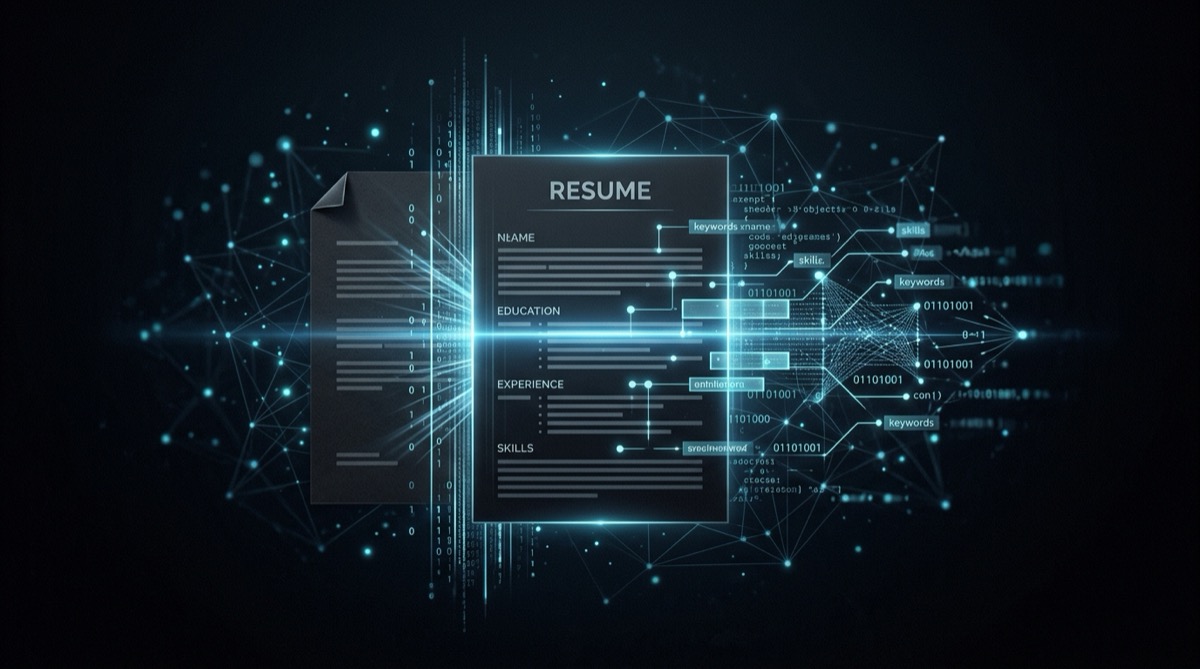
How to Optimize Your Resume for ATS Systems
ATS resume optimization - what actually works, what is myth, and why most advice on this topic is wrong.
Most ATS advice on the internet is cargo cult. Someone wrote that white-font keyword stuffing tricks the algorithm, someone else repeated it, and now it’s in every “beat the ATS” guide. It doesn’t work. It gets you flagged.
What ATS actually is, what it does, and what actually moves your resume past it.
What ATS Is (and Isn’t)
An Applicant Tracking System is a database with a search interface. That’s it. A recruiter opens it the same way you’d open a spreadsheet, types in “Python” or “5 years experience” or “AWS,” and gets a ranked list of candidates who match.
It’s not an AI. It’s not reading your resume and forming opinions. It’s a text parser and a search engine. The “rejection” you hear about is usually a human recruiter setting knockout criteria before they even look at results, not the software itself deciding your fate.
The reason: most “ATS optimization” advice is aimed at the wrong problem. People obsess over gaming an algorithm when the real problem is that their resume doesn’t clearly say what they can do.
What Actually Gets You Filtered Out
Wrong keywords. If the job description says “Google Cloud Platform” and you wrote “GCP” everywhere, some systems won’t connect them. Use both. Same for “machine learning” vs “ML,” “project management” vs “PM,” “JavaScript” vs “JS.”
Two-column layouts. Many ATS parsers read left-to-right, line by line. A two-column resume gets scrambled, your job title ends up next to someone else’s bullet point. Stick to single column.
Text in headers and footers. ATS often skips document headers and footers entirely. If your name and contact info are in the header, some systems won’t find them.
Tables and text boxes. Same parsing problem. Content in tables gets read in unpredictable order or dropped completely. Put everything in plain text paragraphs and bullet lists.
PDF from a design tool. PDFs exported from Canva, Figma, or Adobe Illustrator often contain text as image layers. ATS can’t read images. Export from Word or Google Docs.
Keywords: The Right Approach
Read the job description. Find the 8-10 most important skills and requirements. Make sure they appear in your resume, in the skills section, in your experience bullets, in your summary.
Don’t stuff them. A recruiter reads everything after ATS filters. “Python Python Python Python” is an instant red flag.
Use the exact phrasing from the JD where you can. If they say “cross-functional collaboration,” use that phrase. If they say “stakeholder management,” use that. Synonyms work for humans, not always for keyword matching.
List both the spelled-out version and the acronym for anything important: “Kubernetes (K8s),” “Natural Language Processing (NLP),” “Applicant Tracking System (ATS).” Cover both search patterns.
What Format to Use
.docx beats PDF for ATS parsing reliability. Most modern ATS can handle PDFs, but Word documents parse more cleanly and consistently. The exception: if the job posting specifically says “submit as PDF,” do that.
Single column, standard fonts. Arial, Calibri, Helvetica. 10-12pt body, 14-16pt headers. No creative fonts, no icons, no graphics.
Standard section headers. “Work Experience,” not “Where I’ve Been.” “Education,” not “Learning Journey.” ATS looks for known labels to categorize information. Clever headers confuse it.
No photos, no logos, no infographics. These are parsed as images, blank space to the ATS.
The Actual Problem Most People Have
After all the ATS advice, the inconvenient truth: most resumes that don’t get responses aren’t failing ATS. They’re failing the six-second human scan.
A recruiter gets 400 applications. ATS filters it to 80. They spend six seconds on each. A resume full of generic duties (“responsible for managing team processes”) gets skipped regardless of keyword score. A resume with specific, quantified results gets read.
The ATS is a low bar. Clear formatting, relevant keywords, standard file type, you’re through. The hard part is writing bullets that make a recruiter want to call you.
“Managed backend infrastructure”, skip. “Reduced API response time from 800ms to 120ms by migrating from monolith to microservices, serving 2M daily requests”, read.
Fix your bullets before you obsess over ATS compliance. Most people have the order backwards.
Quick Checklist
- Single column layout
- Standard fonts and section headers
- .docx format (unless PDF is specified)
- No tables, text boxes, headers/footers for critical info
- Keywords from the JD appear naturally in skills + experience
- Both spelled-out and acronym versions of technical terms
- Bullets describe results, not duties
That’s it.
See How Your Resume Stacks Up
Not sure if your resume matches the job? OpenApply analyzes your resume against any job description and tells you exactly what to improve, keywords, skills gaps, and formatting issues. Get actionable feedback in seconds.
Related Posts
Resume Tips for Software Engineers: What Recruiters Actually Look For
software engineer resume tips - practical, no-BS advice on what gets your resume past ATS and in front of a human recruiter in 2026.
AI Resume Review: What It Checks and Why It Matters
AI resume review - practical tips and strategies to help you stand out in your job search.
How to Write a Resume When You've Been Freelancing
freelancer resume - practical tips and strategies to help you stand out in your job search.